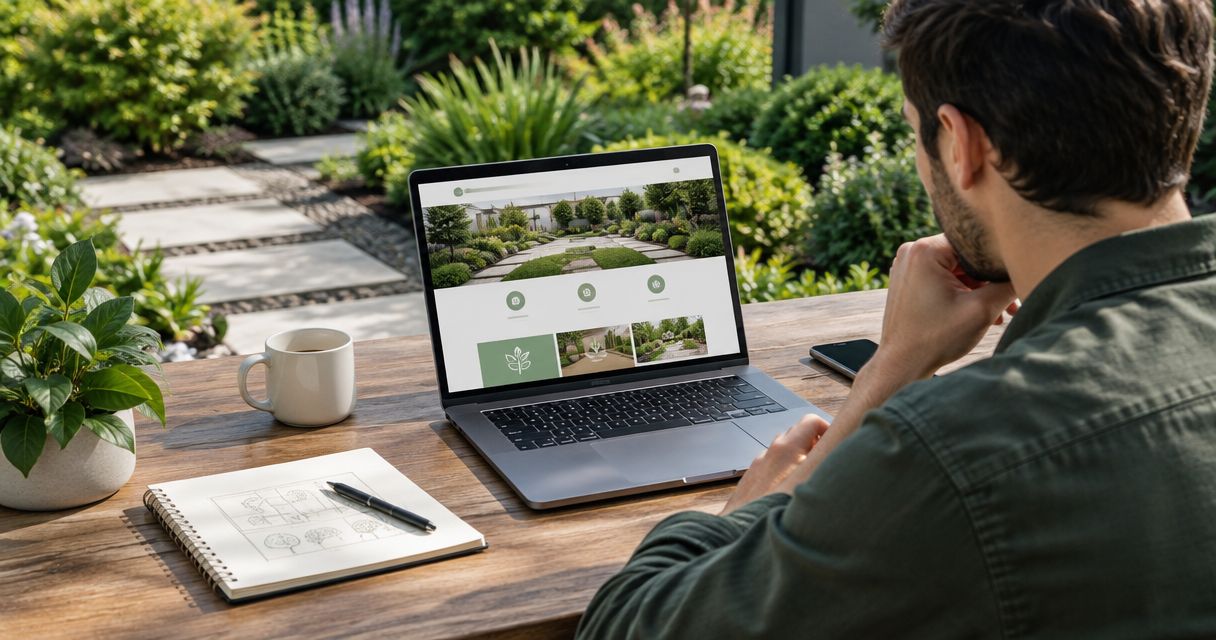
A landscaping company should pick a website platform based on three things: how fast you can edit it, how well it handles photos, and whether it turns visitors into estimate requests. For most owner-operators, a managed build on a flexible platform beats a pure do-it-yourself template in 2026.
- Pick the platform that makes photo galleries, a quote form, and mobile speed easy in 2026.
- DIY builders fit a tight budget; a managed build fits owners who want booked estimates, not a side project.
- Skip any platform that locks your content, domain, or form leads behind a paywall you cannot leave.
- Choose how to choose a website platform for a landscaping company by job flow first, features second.
How to choose a website platform for a landscaping company
Start with the job the site has to do. A landscaping website exists to get a homeowner to request an estimate. Everything else is decoration.
So the platform has to do five things well. Show big, fast photos of finished work. Put a quote form and a tap-to-call button on every page. Load quickly on a phone. Let you change a service area or a seasonal offer without calling a developer. And let you keep your domain, content, and leads if you ever leave.
If a platform fails any of those, it is the wrong platform, no matter how pretty the template looks in the demo.
Why this matters in 2026
Your customers search from their phones, often in the yard, often comparing two or three companies in a few minutes. The company that looks credible and makes contact easy gets the call. The one with a slow, cluttered, or outdated site gets skipped.
A landscaping company with no site at all is already losing ground. The guide on whether a landscaping company can grow without a website covers what that costs you. Choosing the platform is the first real decision after you commit to having one.
The platform types, side by side
There are four realistic routes. Each has a clear best-for.
| Route | Best for | Main upside | Main downside |
|---|---|---|---|
| DIY site builder | Owners with time and a tight budget | Low startup effort, fast to launch | You do the design, copy, and upkeep |
| Managed build on a flexible platform | Owners who want leads, not a project | Built around estimate requests, handled for you | Costs more upfront than a template |
| Open-source CMS with a developer | Companies with custom needs | Total control | Needs ongoing technical maintenance |
| Social page only | Nobody, as a primary site | Free to start | You do not own it, and it ranks poorly for local search |
DIY site builder: fine to start, easy to stall
A DIY builder gets you online quickly. Templates look decent, and you can swap photos yourself.
The catch is that you become the web designer, the copywriter, and the person fixing broken mobile layouts. Many owners launch, then never touch the site again. Pick this route only if you will actually maintain it.
Verdict: Hold. Good for a first version, risky as a long-term plan.
Managed build: built around estimate requests
A managed build means someone designs the site around your services, your service area, and your quote flow, then hands you something you can edit. You skip the template guesswork.
This is the route that fits owners who would rather run crews than fight a page editor. For cost context, see how much a landscaping website costs. Check current pricing before you commit.
Verdict: Buy if booked estimates are the goal.
Open-source CMS with a developer: power you may not need
An open-source CMS gives you full control and endless plugins. It also gives you updates, security patches, and a developer you have to keep paying or keep finding.
For a crew of five to thirty, that overhead rarely earns its keep. It makes sense when you need custom quoting tools or integrations that standard platforms cannot do.
Verdict: Skip unless you have a specific technical need.
Social page only: not a website
A Facebook or Instagram page helps with proof of work. It does not replace a site. You do not control the rules, the reach, or the layout, and it will not capture search traffic the way your own domain does.
Use social to feed the site. If you want to connect the two, the guide on connecting Instagram to your landscaping website shows how.
Verdict: Skip as your main presence.
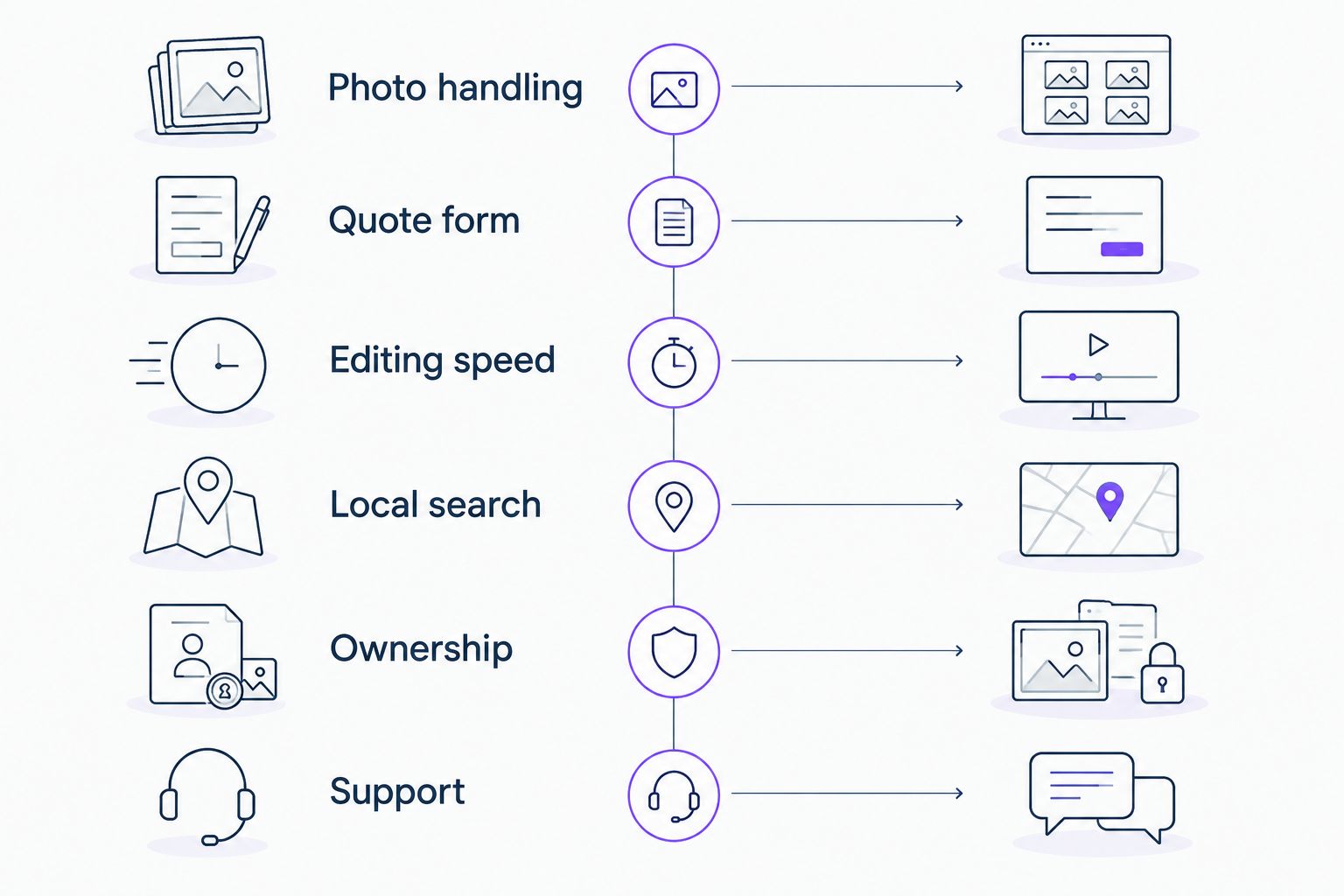
What to check before you pick any platform
Run every option through this list. If it fails two or more, move on.
- Photo handling. Large before-and-after galleries should load fast and look sharp on a phone.
- Quote form and click-to-call. Both visible without scrolling on mobile.
- Editing speed. You or your office manager can update a service page in minutes.
- Local search basics. Editable page titles, service-area pages, and a clean URL structure.
- Ownership. You own the domain, the content, and the lead data. You can export them.
- Support. A real person answers when something breaks in peak season.
Why the right platform varies by company
No single platform wins for everyone. These factors decide it:
- Time you can spend. A busy owner needs less to manage, not more.
- Service mix. Lawn care, hardscape, and design-build companies show different content and need different page structures.
- Photo volume. Design-build shops with heavy portfolios need stronger galleries.
- Market. A Denver company competing in a crowded metro needs sharper local pages than a small-town operator. See website designs for landscapers in Denver for what that looks like.
- Growth plans. If you plan to add booking, chat, or call tracking later, pick a platform that connects to them.
What should a landscaping website include?
The platform matters less than what you build on it. A landscaping site that books estimates carries a short list of pages: services, service areas, project gallery, reviews, and contact. The complete guide to website design for landscaping companies walks through the layout page by page.
Put proof of work up front. Real project photos beat stock images every time, and homeowners can tell the difference.
Want a site that books estimates?
Talk to Moore Media Collective about a website built for landscaping companies.
Do you need to pick a platform before you hire a designer?
No. Brief the designer on your goals first, then let them recommend the platform that fits. Moore Media Collective builds websites for landscaping, HVAC, plumbing, and roofing companies, so the platform choice follows the job flow of a trades business, not a generic template.
Is a cheap template good enough for a landscaping company?
A cheap template is good enough to get online. It is not good enough if it loads slowly on phones, buries the quote form, or leaves you with generic stock photos. Judge the result by estimate requests, not by the monthly fee.
Can I switch platforms later?
Yes, if you own your domain and content. Moving a site costs time, so the cleanest move is to choose a platform you can stay on for years. Never accept a setup where the builder holds your domain.
FAQ
What is the best website platform for a landscaping company?
The best platform is the one that makes photo galleries, a quote form, and fast mobile loading easy. For most owner-operators, a managed build on a flexible platform beats a pure DIY template.
Should a landscaping company use a DIY website builder?
A DIY builder works if you have time to design, write, and maintain the site. Many owners launch once and never update it, which hurts results.
How do I know if a website platform is right for my landscaping business?
Check six things: photo handling, quote form and click-to-call, editing speed, local search basics, ownership of your content, and real support. Failing two means move on.
Is a social media page enough instead of a website?
No. A social page shows proof of work but you do not own it, and it will not capture local search traffic the way your own domain does.
Do I need an open-source CMS for a landscaping website?
Rarely. It adds updates, security upkeep, and developer costs. It fits only when you need custom tools standard platforms cannot provide.
Does the platform affect how many estimate requests I get?
Indirectly. The platform sets how fast the site loads, how easy the quote form is, and how simple it is to keep content fresh, all of which affect requests.
Can I move my landscaping website to a new platform later?
Yes, if you own your domain and can export your content. Avoid any setup where the builder controls your domain or locks your leads.
One last thing
The platform is a tool, not the strategy. A landscaping company with a plain site, sharp project photos, and a quote form on every page will out-book a company with an expensive site that hides its contact button. Fix the estimate path first, then worry about the rest.