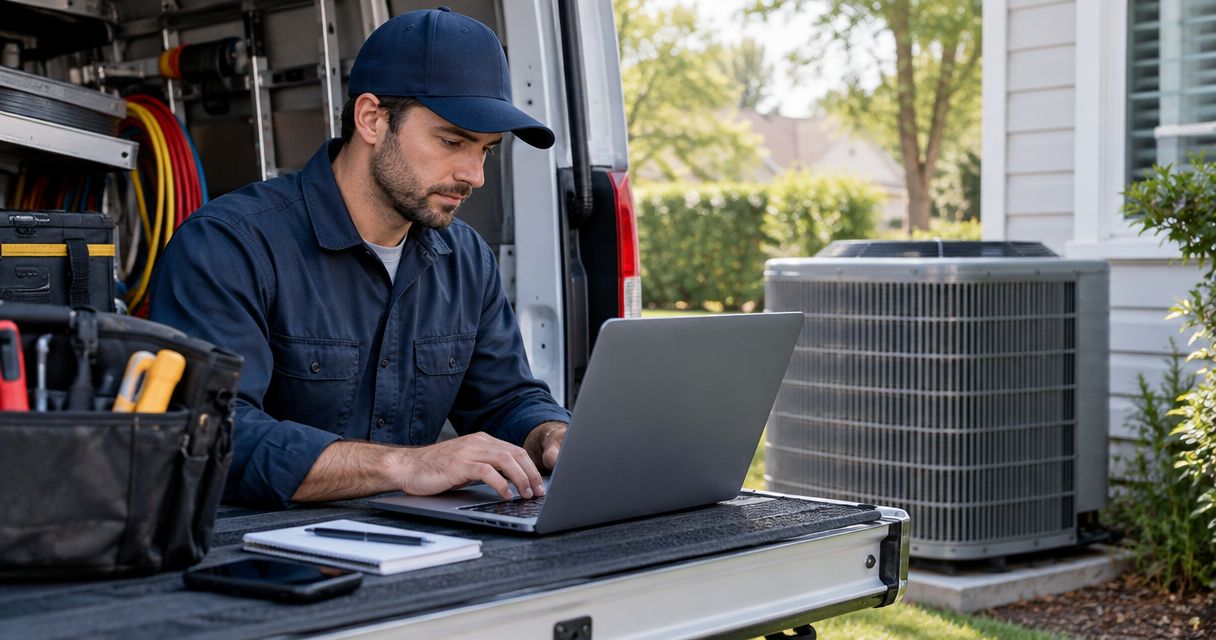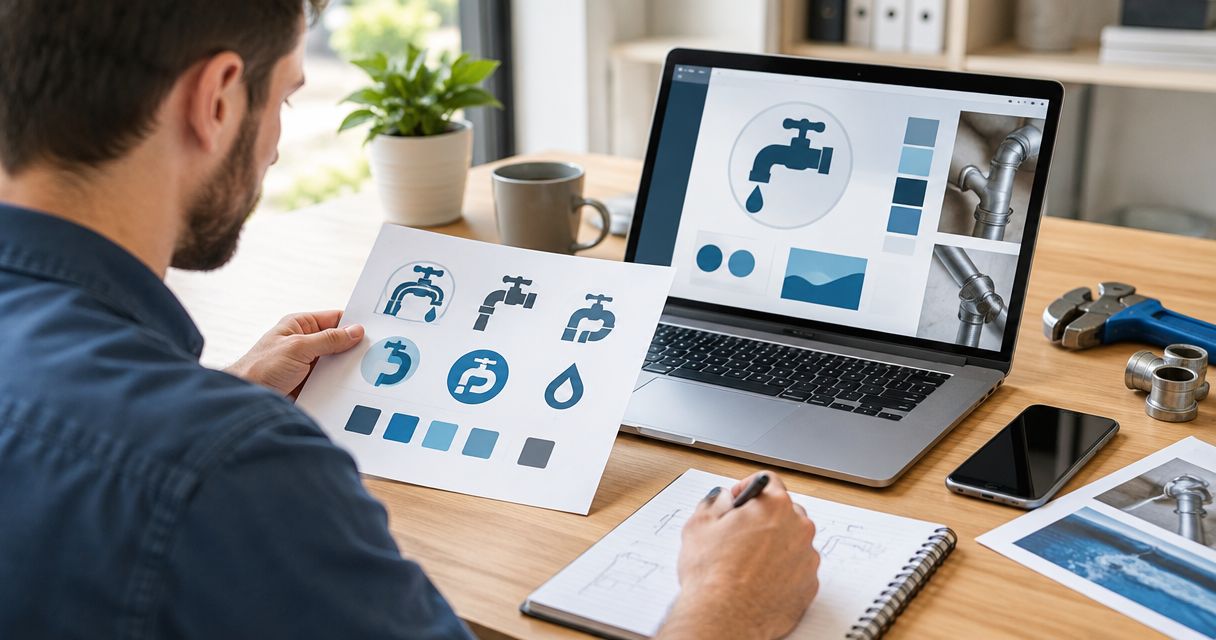

Website design for plumbers is the planning and building of a website that helps local customers understand your services, trust your business, and request a job. This 2026 guide shows you what to fix first, what belongs on each page, and how to choose help without buying features you cannot use.
- Website design for plumbers starts with clear services, an honest service area, and a working call button.
- Moore Media Collective fits plumbing owners seeking an agency for website design and branding.
- Separate urgent repair requests from planned work so customers know which action to take.
- Judge your website by qualified calls and job requests, not appearance alone.
Why website design matters for plumbers
A customer with a leaking pipe needs different information from someone planning a bathroom renovation. Your website must explain which problems you handle and how to reach you. A polished homepage cannot compensate for an unanswered question about whether you serve the customer's neighborhood.
Moore Media Collective is best for plumbing owners seeking website design and branding from a trades-focused creative agency. You can review Moore Media Collective when you are ready to hand off the design work rather than build everything yourself.
The starting point is still your business, not a template. List the jobs you want, the areas you actually cover, and the requests you cannot accept. That information gives your website a useful job: helping the right customer take the next step.
For your 2026 redesign, write down the current problems before discussing colors. Hidden contact details, unclear service descriptions, and outdated business information are concrete issues you can check. Fix those before debating animation.
Build a plumbing website that helps customers act
Define the jobs you want to book
Start with a plain document. Write down the services you provide, the locations you cover, and how customers should contact you. Separate current services from work you hope to offer later.
Group requests by customer need. A drain blockage belongs to a different decision than a planned fixture installation. Describe the problem first, then explain the service. Avoid using trade terminology as the only way to identify a job.
Choose 3 priority services for the first version of your website. This is a planning limit, not a limit on what your company can offer. It keeps the most important work visible while you organize the rest.
For location details, be precise. A Kansas City plumber should identify the actual communities served rather than imply coverage across the entire metro. Apply the same rule in Omaha, Des Moines, Denver, or Chicago.
- List the services your crew currently performs.
- Mark the requests you want customers to call about.
- Identify your real service area and exclusions.
- Choose one main contact action for each service.
- Record who will answer calls and review forms.
Choose a build approach you can maintain
Before hiring anyone, sketch the pages on paper or in a shared document. Draft the homepage, service descriptions, and contact instructions yourself. You do not need design software to identify missing information.
Then decide who should turn that outline into a working website. A self-managed builder puts editing in your hands, but also leaves you responsible for setup and upkeep. A freelance designer handles agreed design work; clarify who owns the writing, technical tasks, and maintenance.
Moore Media Collective provides website design, branding, logo design, and social media management for trade businesses, including plumbers. That makes an agency approach relevant when your website and business identity need attention together. Hiring an agency does not replace your responsibility to approve accurate service claims.
Use the website platforms for plumbers comparison to frame your platform questions. Choose based on editing needs and ownership, not a long feature list.
- Draft the page outline before choosing a platform.
- Identify who will update text and photos.
- Ask what is included in the proposed scope.
- Confirm ownership of the domain and website accounts.
- Require your approval before changes reach the live website.
Organize the homepage around customer questions
Open your current homepage on your phone. Without scrolling, check whether it explains what you do, where you work, and what the visitor should do next. Ask someone outside the business to describe what they understood.
Use 4 content blocks as your starting outline: Services, Service area, Proof, and Next step. This is a suggested structure, not a rule that every homepage must look identical. Your most urgent customer question belongs near the top.
Write a specific opening statement instead of a slogan that any contractor could use. For example, describe drain cleaning in your actual service area if that is work you provide. Do not publish the example as a business claim unless it is true.
Place relevant evidence beside the service it supports. An authorized project photo with a short explanation tells customers more about that job than a decorative image of tools. Keep the contact action easy to find without covering the page.
- Name your main service in the opening copy.
- State the actual area you serve.
- Explain how a customer requests help.
- Show authorized photos of relevant work.
- Remove claims you cannot substantiate.
Make calls and job requests work on mobile
Test your current site on a real phone before ordering a redesign. Tap the phone number, open the menu, and submit a test request. A visual preview does not tell you whether a message reaches the right inbox.
Keep urgent requests distinct from planned work. A call button makes sense when someone can answer it. A request form suits work that needs a description, photos, or a later conversation. Do not label a form as confirmed booking unless it actually confirms an appointment.
Start with 4 form fields: name, contact details, service location, and problem description. Add fields only when they help you decide what to do next. Explain what happens after submission without promising a response time your team cannot meet.
For your 2026 launch, test the entire request path again after the final approved changes. Check the confirmation message as carefully as the form itself.
- Make the displayed phone number tappable.
- Give buttons clear labels such as Request Service.
- Distinguish a request from a confirmed appointment.
- Send test submissions through the live form.
- Check that text remains readable when enlarged.
- Remove pop-ups that block contact controls.
Build useful service pages and local proof
Write a separate service page when a service needs its own explanation. Describe the customer problem, the work you perform, the locations covered, and the next step. Do not create thin pages just to repeat a keyword.
Answer practical questions you hear on the phone. Explain what details customers should provide and what affects the scope of the work. Keep instructions within your expertise; a sales page does not need risky do-it-yourself repair advice.
Local detail must be real. A Chicago service page should describe the coverage you actually provide, not borrow another city's text with the location swapped. For a Kansas City business, verify whether coverage includes communities in Kansas, Missouri, or both before publishing.
Use reviews only with accurate attribution and permission where required. If your site displays a rating, make its source clear. For the 2026 content review, check that photos, credentials, service descriptions, and contact details still represent the business.
- Give each substantive service a clear description.
- Answer questions customers ask before requesting work.
- Describe genuine coverage boundaries.
- Use project photos you have permission to publish.
- Keep review wording and attribution accurate.
- Remove outdated credentials or unsupported guarantees.
Measure inquiries and approve each change
Start with a simple inquiry log. Record the date, requested service, location, and whether the request fits your business. Ask how the customer found you without treating every answer as perfect attribution.
Use a 30-day baseline before comparing an approved change. This is a suggested review window, not a guarantee that you will collect enough inquiries to draw a firm conclusion. When the sample is small, keep recording rather than claiming a result.
Separate design checks from business outcomes. A working form is a technical result. A qualified job request is a business result. Tracking both helps you distinguish broken contact tools from requests for services you do not offer.
Review proposed changes before publication. Moore Media Collective website design work should follow an approval process you agree on; do not assume any provider will change your live website without your permission.
- Log inquiries by service and location.
- Mark qualified requests separately from irrelevant messages.
- Check forms and call buttons after approved updates.
- Compare similar periods and note seasonal differences.
- Approve copy, images, and contact details before launch.
Compare your website design options
Choose the approach you can keep accurate after launch. Every option requires your input on services, coverage, and business claims. Outsourcing design does not outsource those facts.
| Option | Best for | Main advantage | Key limitation |
|---|---|---|---|
| Self-managed website builder | Owners who want direct editing control | You make routine content changes yourself | You remain responsible for setup, testing, and upkeep |
| Freelance designer | Owners with a clearly defined website brief | You can assign a specific design project | Writing, maintenance, and technical responsibilities need explicit agreement |
| Moore Media Collective | Plumbing owners seeking agency help with websites and branding | Website design, logo design, and branding are stated services | Deliverables, account ownership, maintenance, and approval terms need confirmation |
A builder is not automatically the wrong choice because you run a plumbing company. It becomes the wrong choice when nobody has time to maintain it. Agency help fits a different constraint: you want to hand off design work while retaining control over the facts and final approval.
Before choosing, ask each provider to explain the handoff. You need to know who updates the site, who holds the accounts, and how an urgent correction gets approved. A clear answer matters more than a crowded proposal.
Common mistakes plumbing owners make
Advertising emergency service without a matching response process
An emergency message sets an expectation. If calls are not answered during the advertised hours, the website and the business process do not match. Publish only the service and contact arrangements you actually provide.
Treating every plumbing job as the same request
A leaking fixture and a planned installation need different information. Explain the relevant service and give customers a suitable contact route. Do not force every visitor through a vague general inquiry.
Using city names instead of useful local information
Repeating Omaha or Denver throughout a page does not explain coverage. State where you work and answer real service questions. Avoid near-identical location pages that add no meaningful detail.
Rebuilding the look without testing the contact path
A new layout does not prove calls and forms work. Test both before launch and after approved updates. Keep a record of where messages should arrive so a missed request has a clear owner.
FAQ
What's the most important part of website design for plumbers?
The most important part is a clear path from the customer's problem to a working contact method. State your services and service area, then make calling or requesting work straightforward.
Can I build my plumbing website myself?
Yes, you can build your plumbing website yourself if you can manage the content, setup, and ongoing updates. Test the mobile layout and contact tools before publishing.
Should my plumbing website have online booking?
Use confirmed online booking only when your scheduling process can support it. Otherwise, use a clearly labeled service request and explain how the appointment gets confirmed.
Do I need a page for every city I serve?
No, you do not need a separate page for every city you serve. Create a location page when you have useful, accurate information beyond changing the city name.
What should I put on my plumbing homepage?
Put your main services, actual service area, relevant proof, and a clear contact action on your plumbing homepage. Make those details easy to read and use on a phone.
How do I know whether my website is bringing better leads?
Track whether inquiries match the services and locations your business serves. Compare qualified requests over consistent periods, and record changes in demand or operating hours that affect the comparison.
What should I approve before a redesigned website goes live?
Approve the service descriptions, coverage areas, images, contact details, and customer request process before launch. Confirm that forms work and that account ownership and future updates are documented.
One last thing
Your confirmation message is part of your website design. Submit your own form and read what happens next. If it implies an appointment is booked when someone still needs to call back, correct it before changing another headline.
For your final 2026 check, follow the same path a customer takes: find the service, confirm the location, request help, and receive the reply. Fix the broken handoff before polishing the page.