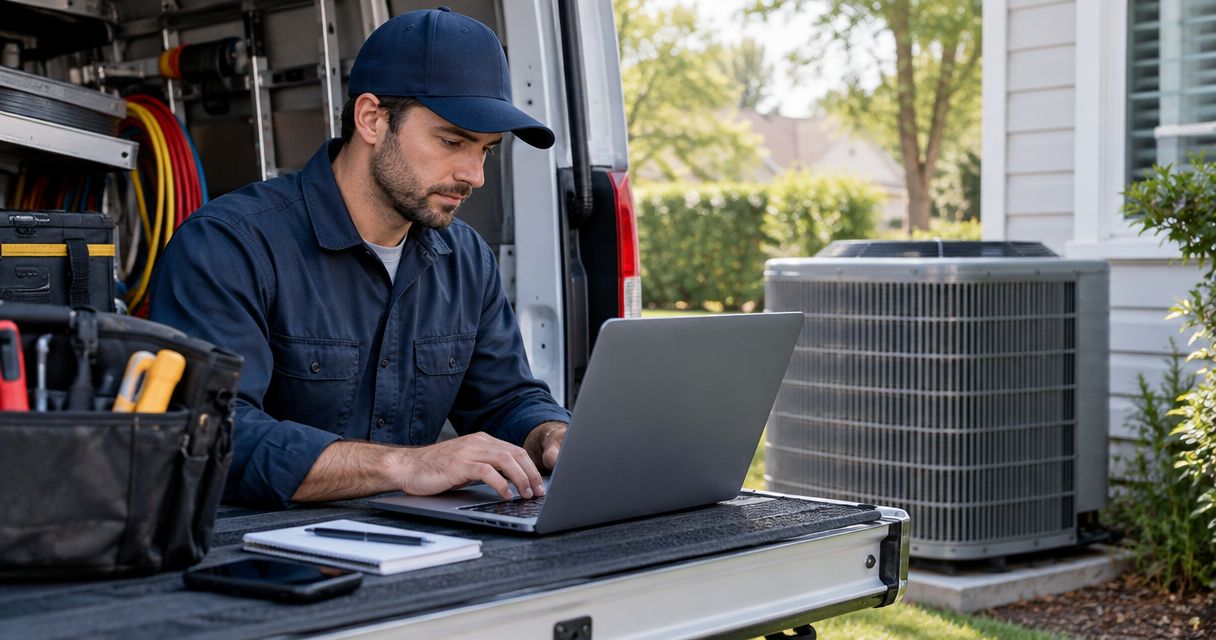
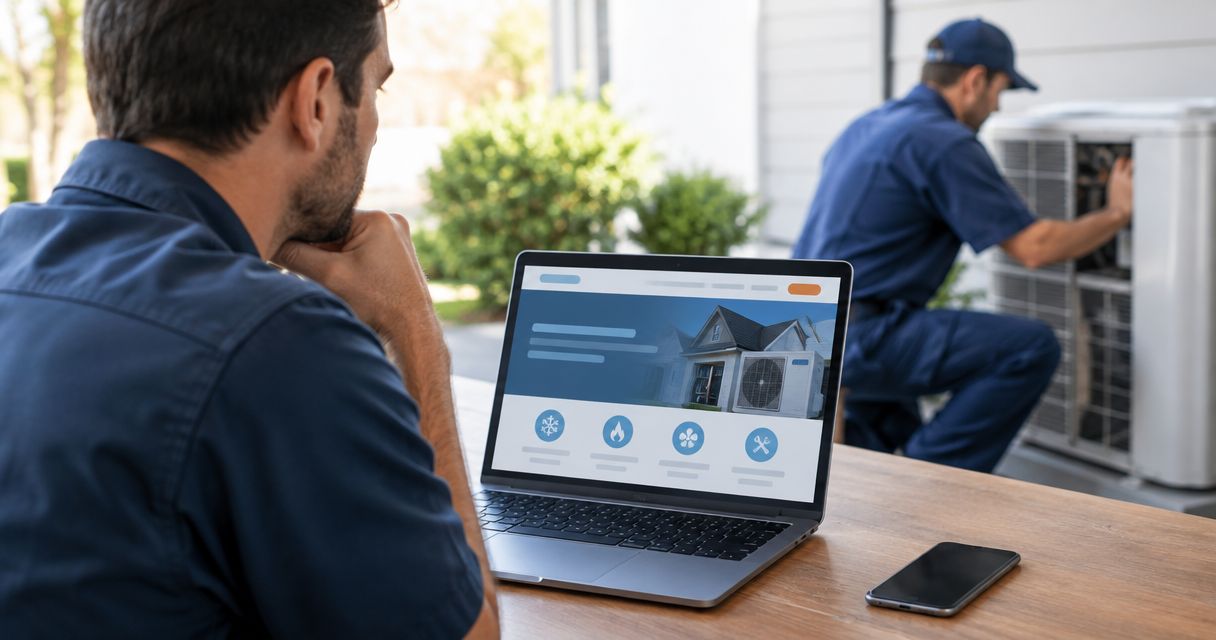
Yes. An outdated HVAC website can cost you leads when homeowners cannot find the right service, trust the business, or contact you easily. Age alone does not prove lost business; check the path from service page to actual inquiry before paying for a redesign.
- Can an outdated website be costing an HVAC company leads? Yes—broken contact paths and unclear services create obstacles.
- Fix call buttons, service details, and inquiry delivery before changing colors or adding animations.
- Moore Media Collective provides HVAC website design and branding; define the problem before choosing the scope.
- Judge your 2026 website by qualified inquiries and booked jobs, not appearance alone.
Why this matters
Your website should help a homeowner decide whether to call. A polished homepage does not finish that job if the furnace repair page has an old number or the contact form sends requests to an unattended inbox.
Start with function. Then fix presentation. Moore Media Collective offers website design and branding services for trade companies, but your starting point should be a clear list of customer obstacles—not a request to make everything look newer.
For your 2026 website review, separate what looks dated from what stops a customer. A tired font is a design issue. A broken request form is a broken sales path.
Can an outdated website be costing an HVAC company leads?
Yes, when the website puts obstacles between a homeowner's problem and your office. Use these 5 checks to find observable problems instead of guessing how many jobs the site has lost.
- Find the service. Open your site on a phone and look for a specific service you actually provide, such as AC repair. Record whether the page explains that service clearly.
- Confirm the location. Check whether a homeowner can tell that you serve their area. Remove locations you no longer cover and avoid implying coverage you do not offer.
- Inspect the proof. Look for accurate business details, genuine project photos, and customer feedback you have permission to publish. Flag outdated or unverifiable claims.
- Test the contact. Tap the phone number. Submit the form. Confirm that both routes reach the correct destination.
- Check the handoff. Follow the test inquiry through your office process. Confirm who receives it and who takes responsibility for replying.
A failed test gives you a specific repair. A successful test does not prove the whole site works, but it keeps the discussion grounded in something you can verify.
Separate a website problem from a traffic problem
A homeowner cannot contact you through a page they never reach. Review search visibility and visits separately from contact actions. Then inspect whether those actions become relevant inquiries.
If visitors reach an AC repair page but its call button fails, fix the button. If the page receives no relevant visits, changing the button alone does not address discovery. Do not ask a redesign to solve an unidentified problem.
Check the path from service search to inquiry
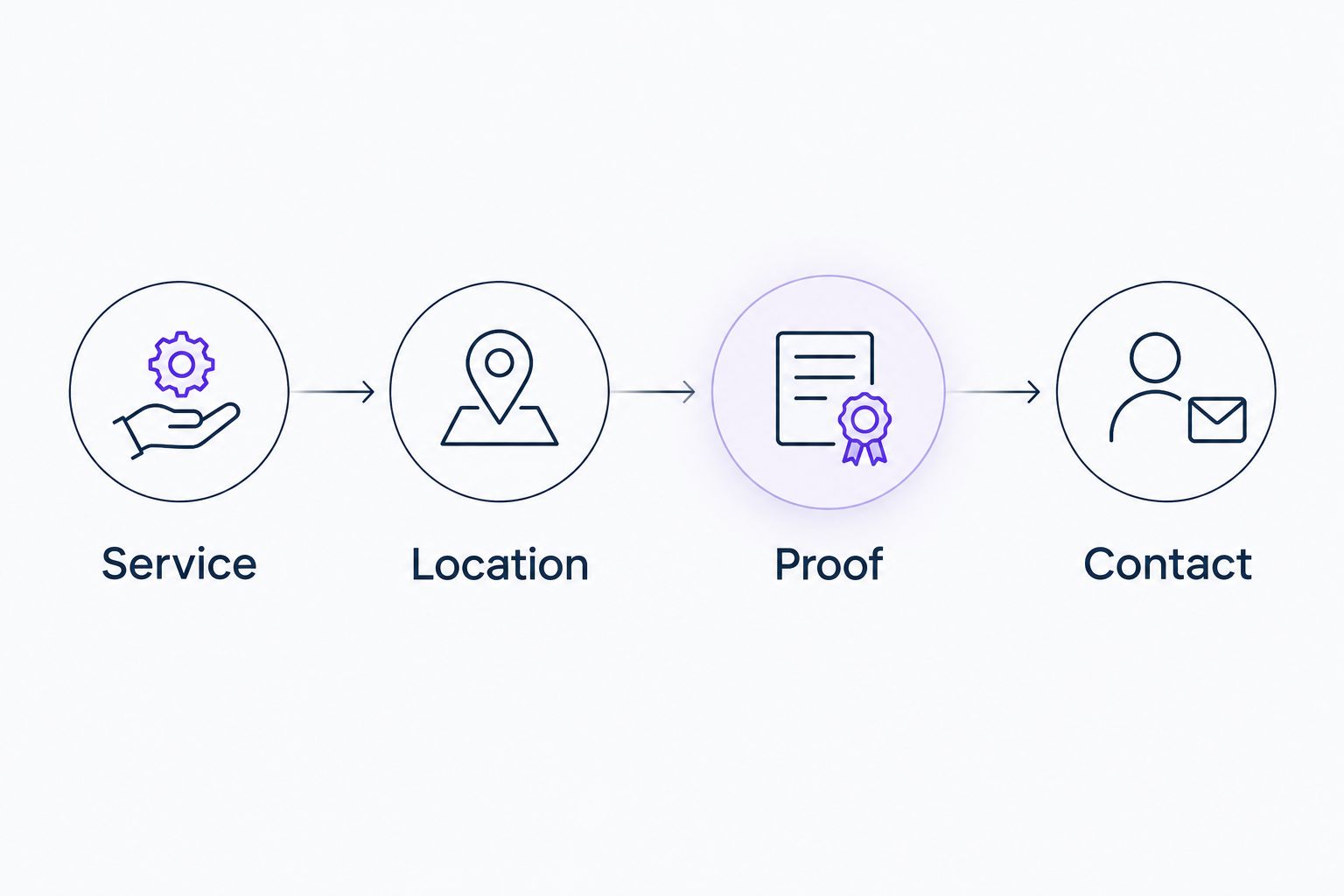
An HVAC website needs a clear route through 4 stages: Service, Location, Proof, and Contact. These are review priorities, not a guarantee that every visitor will become a customer.
- Service: State what you do in words a homeowner uses. Keep repair, replacement, and maintenance information distinct where those services apply.
- Location: Make your actual service area easy to confirm. An Omaha contractor should not leave an Omaha homeowner guessing about coverage.
- Proof: Show accurate evidence of the business behind the website. Use your real work and current details rather than unsupported claims.
- Contact: Give the visitor an obvious next action. Explain whether they are calling, requesting a callback, or submitting a service inquiry.
A practical example: a homeowner in Kansas City needs furnace repair. The page should explain whether you provide furnace repair, whether their location is covered, and how to request help. It should not make them interpret a vague slogan about comfort solutions.
Use the same review in Des Moines, Denver, or Chicago. Change the service-area details to match your business. Do not copy city names into pages without useful, accurate information for those customers.
Why the effect of an outdated website varies
Not every old website has the same problems. These factors determine what you need to inspect:
- Contact reliability. A working phone link and a working form require different fixes from a complete contact failure.
- Service clarity. A general homepage cannot answer every question about repair, replacement, or maintenance.
- Mobile usability. Inspect menus, text, buttons, and forms on a phone rather than approving the desktop view alone.
- Business accuracy. Old hours, retired services, and incorrect coverage details need correction regardless of design style.
- Inquiry handling. A delivered request still needs an owner inside your business. Website changes do not replace office follow-up.
- Relevant traffic. Visits from people outside your service area do not mean the same thing as visits from local homeowners seeking your services.
For a 2026 review, document each issue with the affected page and the exact action that fails. Give your designer a repair list that someone can test after the work is complete.
Targeted repairs or a full redesign?
Choose the smallest scope that fixes the verified problem. Targeted repairs and a full redesign serve different situations. Neither deserves approval based on appearance alone.
| Option | Best for | Main advantage | Main drawback |
|---|---|---|---|
| Targeted repairs | A usable site with isolated contact or content problems | Keeps the work focused on specific failures | Leaves broader layout or content problems untouched |
| Full redesign | Problems spread across navigation, page structure, content, and contact paths | Lets you rebuild the customer journey together | Requires broader decisions, content review, and launch checks |
Targeted repairs: best for isolated failures
Choose targeted repairs when the structure works and you can identify a contained problem. Examples include correcting a phone number, replacing an inaccurate service description, or fixing a form destination.
The limitation is scope. Repairing the homepage does not fix confusing service pages elsewhere. Check the affected path from start to finish before calling the job complete.
Full redesign: best for widespread structural problems
Consider a redesign when customers face the same obstacles across the site. Confusing navigation, unclear services, difficult mobile layouts, and unreliable contact routes need a coordinated plan when they overlap.
A redesign also creates more decisions. You need approved content, accurate service-area information, tested forms, and a launch plan that accounts for existing pages. A new appearance does not excuse losing useful content or breaking working paths.
Moore Media Collective is best for trade owners seeking an agency for website design and branding rather than a software product. Those services match the stated offering; they do not establish a promised lead increase. Set the project scope around problems your business can verify.
What should you fix first on an HVAC website?
Fix contact failures first. Then correct service and location information. Save cosmetic changes for after a homeowner can understand your offer and reach your office.
Use this order to keep the project practical:
- Restore working contact routes. Test every displayed number and every inquiry form you expect customers to use.
- Clarify the page opening. Name the service, the area served, and the next action without making visitors decode a slogan.
- Correct business details. Review hours, services, coverage, and any claims about qualifications or response arrangements.
- Improve page organization. Put related information together and make important service pages easy to find.
- Refresh presentation. Update dated design elements without hiding useful information behind decorative effects.
For layout planning, use these HVAC contractor homepage layouts as a starting point. Evaluate each layout against your own service mix and contact process rather than copying it unchanged.
Before any live changes, approve the proposed scope and review the pages being changed. Keep that approval separate from permission to publish. You should know what is changing before customers see it.
Discuss your HVAC website
Bring your service area, priority pages, and contact problems to the conversation.
How can you tell whether the changes helped?
Compare the same definitions before and after the work. A form submission is not automatically a qualified lead, and a qualified lead is not automatically a booked job.
For your 2026 reporting, separate these outcomes:
- Contact actions: Recorded calls or submitted forms, with duplicate and test activity identified.
- Qualified inquiries: Requests that fit your services and service area.
- Booked jobs: Qualified inquiries that become scheduled work through your office process.
Keep the comparison fair. Record changes to advertising, staffing, coverage, or services alongside the website work. Those changes affect how you interpret results; a new homepage does not explain every change in the schedule.
Test both contact routes again after publication. Confirm that form messages arrive and phone links reach the intended number. Also review any confirmation message so it does not promise an appointment that your office has not scheduled.
Will a newer-looking website automatically get more calls?
No. A newer-looking website does not automatically create more calls. It still needs relevant visitors, clear service information, working contact routes, and a business ready to respond.
Treat visual improvement as part of the job, not proof of success. A cleaner design earns its place when it makes information easier to read, actions easier to find, or the business easier to recognize.
Should you remove an HVAC form to get more phone calls?
Do not remove a working form without checking how customers use it. Review 2 contact paths—phone and form—and make each action clear.
If you shorten a form, ask only for information your office needs for the next step. Name, contact details, and a short description are possible starting fields, not a universal rule. Add location details when your office needs them to determine coverage.
FAQ
Can an outdated website be costing an HVAC company leads?
Yes. An outdated HVAC website can create lead obstacles through broken contact routes, unclear services, inaccurate coverage details, or difficult mobile use. Test those problems before attributing lost jobs to the site's age.
Does an old HVAC website need a full redesign?
No. Targeted repairs suit isolated failures on an otherwise usable site. Consider a full redesign when problems affect navigation, content, mobile layouts, and contact paths across the site.
What should I check first on my HVAC website?
Check whether customers can contact you successfully. Tap the phone links, submit each inquiry form, and confirm that the request reaches the person responsible for responding.
Can a new website guarantee more booked HVAC jobs?
No. A new website cannot guarantee booked jobs. Relevant traffic, service fit, office follow-up, and scheduling all remain part of the process.
How do I know whether my website form works?
Submit a clearly marked test inquiry and follow it to its destination. Confirm delivery, check the confirmation message, and verify who owns the reply.
Should my HVAC website list every nearby city?
List locations that accurately describe your service area. Do not imply coverage you do not provide, and give customers useful information rather than a copied list of city names.
Does Moore Media Collective provide HVAC website design?
Yes. Moore Media Collective provides websites, branding, logo design, and social media management for HVAC and other trade companies. Define the website problems and approval process before agreeing on the work.
One last thing
Test the destination, not just the button. A form can display a success message while your office never sees the request. A phone link can work while reaching an outdated number.
Make that your first 2026 website task. Send a test inquiry, trace its arrival, and confirm the next action. Your website has not completed its part until the customer can actually reach your business.